Bring an audio track into Yuna and give it a visual direction. A song, a mood, a moment worth turning into a scene.
Your soundtrack sets the starting point.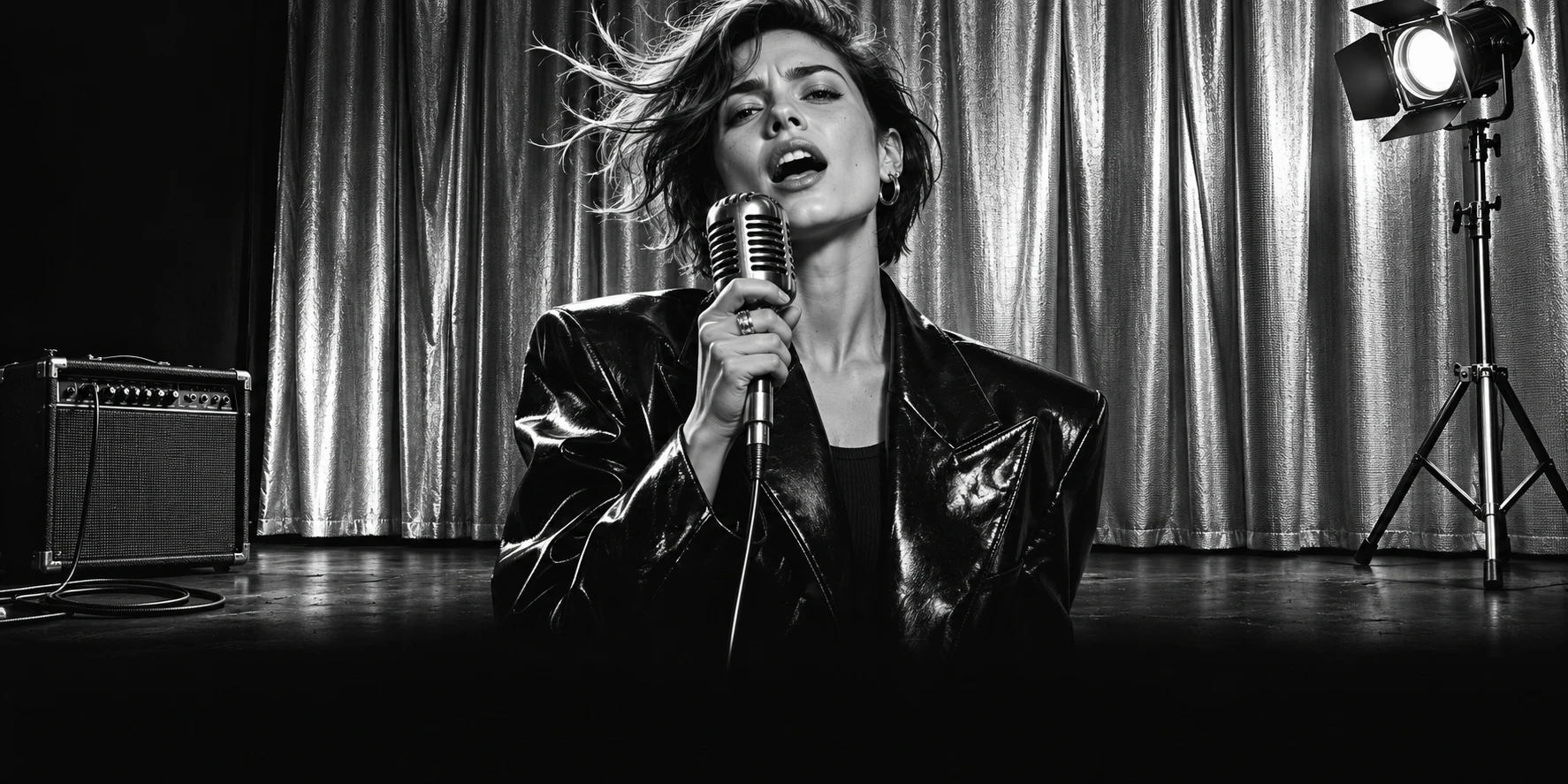
YOUR SOUND. A NEW SCENE.
YUNA
Give your music
a leading role.
YOUR AUDIOA FACEA DIRECTIONA MUSIC VIDEO
SIDE A / THE MIX
THE SOUND IS YOURS.
THE SCENE IS NEXT.
A track can hold a whole world.
Yuna gives you a place to start picturing it.
Explore photo-led performances and lip-sync tools. Choose a face you have permission to use, then review how the generated performance follows the vocals.
Expression matters as much as the setting.Describe a setting, a movement or a visual style. Explore the scene and motion options available in your version, then check the result before sharing.
One clear idea is a good place to begin.Available tools and generation costs depend on your platform, version and plan.
SIDE B / FRAME NOTES
FIND YOUR
VISUAL VOLUME.
Quiet and close-up. Bright and unexpected.
A couple of creative directions to make your own.
SCENE 01 / 02
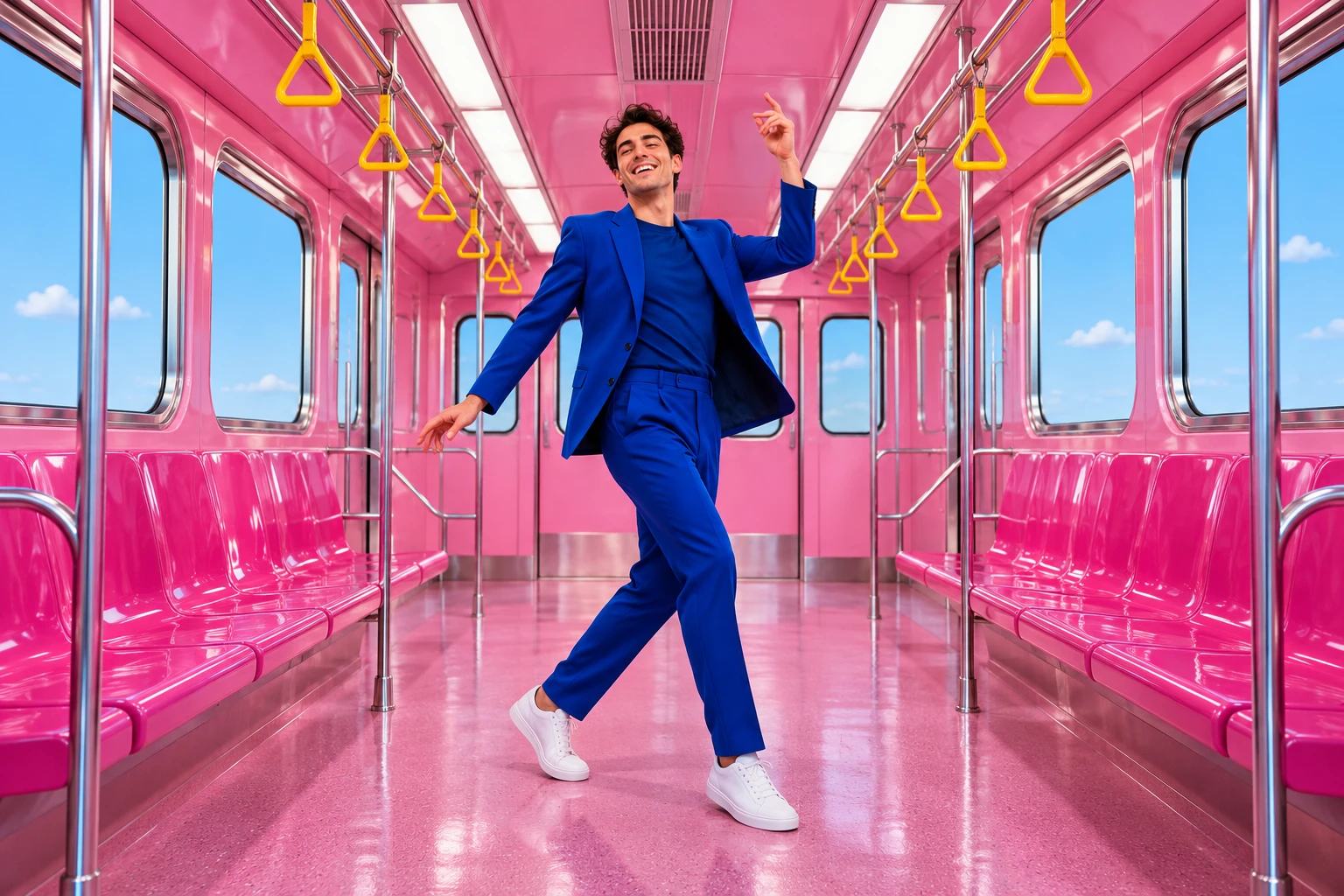
Electric transit
An everyday place. An unexpected performance. Let one bright color carry the scene.
- Camera
- A slow push forward
- Light
- Clean, bright daylight
- Energy
- Playful and rhythmic
A performer in a cobalt suit dances inside a pink subway car. The camera moves slowly forward; bright daylight and sharp colors give the scene a playful, rhythmic feel.
THE POCKET EDITION
MEET
THE APP.
The music-led tools, through the publisher's own lens.
Original Google Play promotional images. Claims within these images belong to the publisher; results vary.Get YunaA QUESTION
BEFORE THE ENCORE?
TAKE YOUR NEXT IDEA SOMEWHERE.

LET YOUR
MUSIC BE SEEN.
Download Yuna. Check current features, credits
and purchase terms in your store before you begin.